Essential Windows 11 Hardening Techniques Every Admin Should Implement
Windows 11 includes a strong security foundation, but many of its most valuable protections remain optional or disabled by default. Attackers continue to rely on predictable configuration gaps rather than zero‑day exploits, which means the basics still matter.
Mateo Alejandro Colmenero - Co-Founder/Co-Owner of TWDAS, LLC.
11/3/20252 min read
Understanding Windows 11 Security Basics
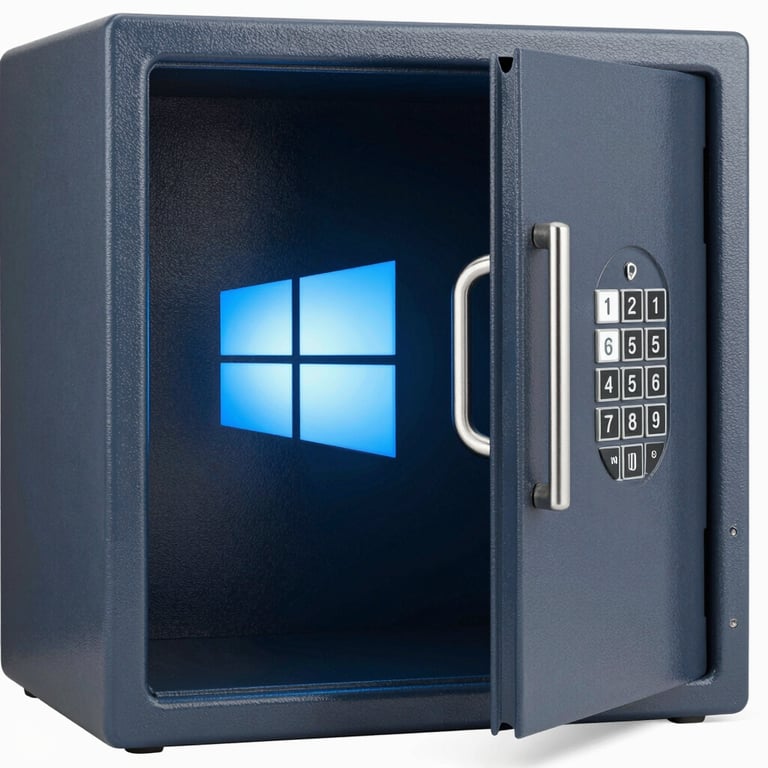
As the digital landscape evolves, so does the necessity for robust cybersecurity measures. With Windows 11's strong security foundation, organizations can leverage built-in capabilities to enhance their defenses. However, many of these pivotal protections are often left optional or are disabled by default. This gap offers attackers an opportunity, as they tend to exploit predictable configuration weaknesses rather than relying on sophisticated zero-day exploits.
The Importance of Hardening in 2025
In 2025, the importance of hardening cannot be overstated. As cyber threats continue to grow in sophistication and frequency, adopting a hardening strategy becomes crucial for any organization. Many systems assume that simply deploying new technology will ensure security, but without actively engaging in hardening practices, these systems remain vulnerable. Hardening Windows 11 is not about introducing unnecessary complexity; rather, it’s about enabling features that already exist and fine-tuning settings for optimal security.
Commonly Missed Hardening Techniques
Many system administrators overlook certain hardening techniques that can significantly bolster security on Windows 11. Here are a few critical practices that should not be ignored:
- Enabling BitLocker: While Windows 11 includes encryption tools like BitLocker by default, many admins neglect to enforce full disk encryption. Enabling BitLocker can protect sensitive data, especially on devices susceptible to theft.
- Configuring Windows Defender: Windows Defender is a robust antivirus solution included with Windows 11, yet it often is configured minimally. Ensuring that real-time protection, cloud-delivered protection, and automatic sample submission are activated can drastically improve the security posture of your devices.
- Adjusting User Account Control (UAC): UAC settings, if left at default, may not provide an adequate defense against unauthorized changes. Increasing UAC settings can help prevent unauthorized installations and modifications.
- Implementing Security Baselines: Using Microsoft’s security baselines allows administrators to apply a set of recommended security settings quickly. This helps eliminate configuration drift and ensures compliance with best practices.
- Regularly Updating Software: Ensuring that all software, not just the operating system, is up to date is imperative. Attackers often exploit vulnerabilities in outdated applications, so regular patch management is essential.
In conclusion, Windows 11 harbors significant security features that require activation and configuration for maximum effectiveness. By implementing these recommended hardening techniques, administrators not only secure their environments but also lay a solid foundation against evolving cyber threats. In an era where security breaches can have catastrophic consequences, being proactive about hardening Windows 11 systems is both a responsibility and a necessity.
813-419-7227
© 2026 Copyright TWO WOLVES DEFENSE AND SECURITY. All rights reserved.

